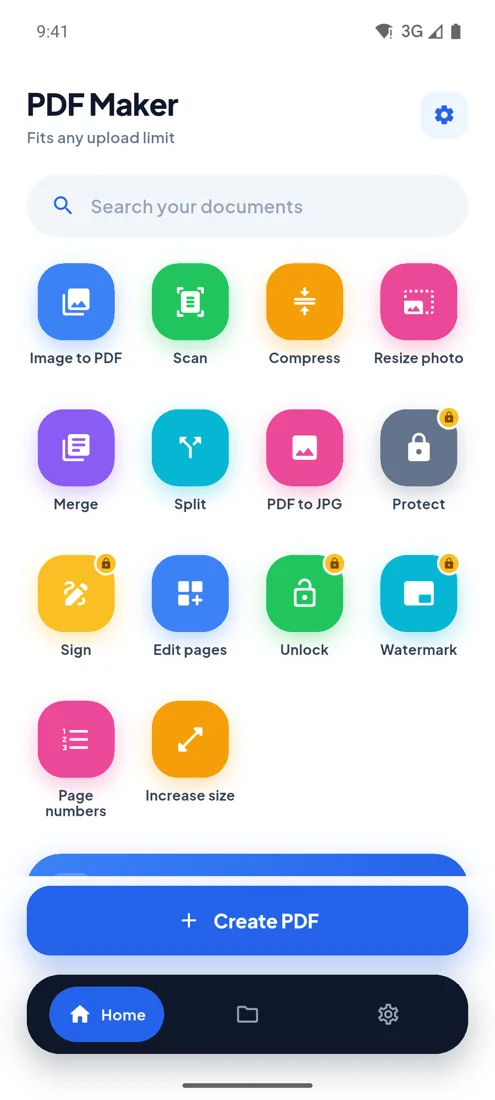
Page numbers · free · no upload
Add page numbers to PDF
Pick where and how, and start from any page. Your pages stay sharp.
Questions
How do I add page numbers to a PDF?+
Choose the PDF, pick the position and style, and press Add page numbers.
Can I start numbering from a later page?+
Yes. Set Start on page, for example 2 to leave a cover page unnumbered. The numbers still match the page's place in the file.
Is my file uploaded anywhere?+
No. Everything happens inside your browser on your own phone or computer. The file is never sent to a server, so nobody else can see it, and it works the same for confidential documents.
PDF Maker for Android
Every upload limit, from your phone.
- Any size you type
- 100 photos, one PDF
- Camera scan
- Works offline