Delete pages · free · no upload
Delete pages from PDF
Type the pages to remove and download the rest. Nothing else changes.
Other sizes
Questions
How do I delete pages from a PDF?+
Choose the PDF, type the pages to remove (2, 5-7) and press the button. You download a PDF without them.
Does the quality change?+
No. Pages are copied as they are: text stays text and stays selectable.
Is my file uploaded anywhere?+
No. Everything happens inside your browser on your own phone or computer. The file is never sent to a server, so nobody else can see it, and it works the same for confidential documents.
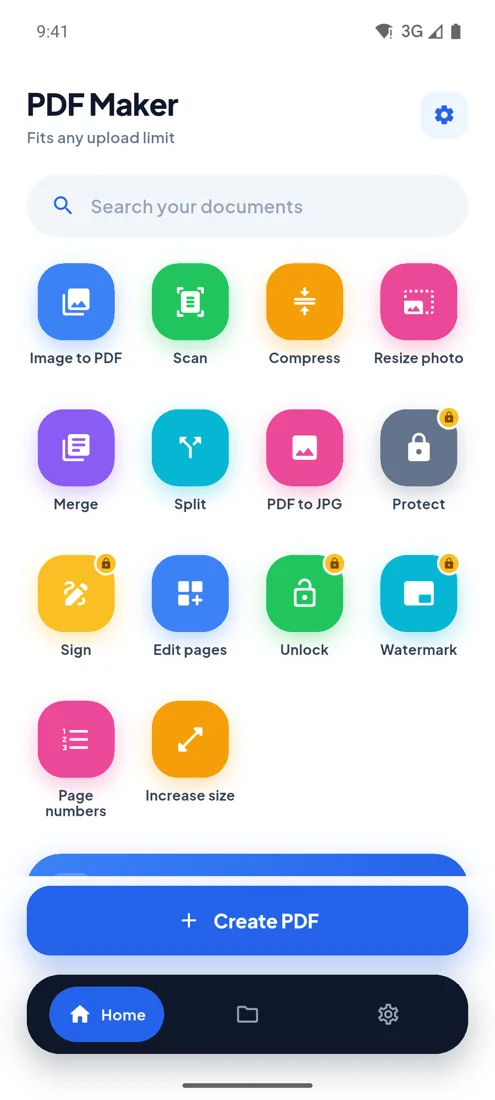
PDF Maker for Android
Every upload limit, from your phone.
- Any size you type
- 100 photos, one PDF
- Camera scan
- Works offline