Compress PDF to 100 KB
Get a copy under 100 KB, as sharp as that allows. Your file never leaves your device.
Need another size, like 37 KB? Type any size in the app
Other sizes
Questions
How do I compress a PDF to 100 KB?+
Choose the PDF, keep 100 KB selected and press Compress. The tool tries different page sizes and qualities and keeps the best one that comes in under 100 KB, then you download it.
Will the text still be readable?+
Usually, yes. Each page is saved as a picture at the highest quality that fits. For a long document under a small limit, pages get softer: if they look too rough, pick a bigger size or split the PDF.
Why is my compressed PDF the same as before?+
If your PDF is already under the size you picked, you get it back untouched instead of a re-made copy.
Is my file uploaded anywhere?+
No. Everything happens inside your browser on your own phone or computer. The file is never sent to a server, so nobody else can see it, and it works the same for confidential documents.
Is there an app?+
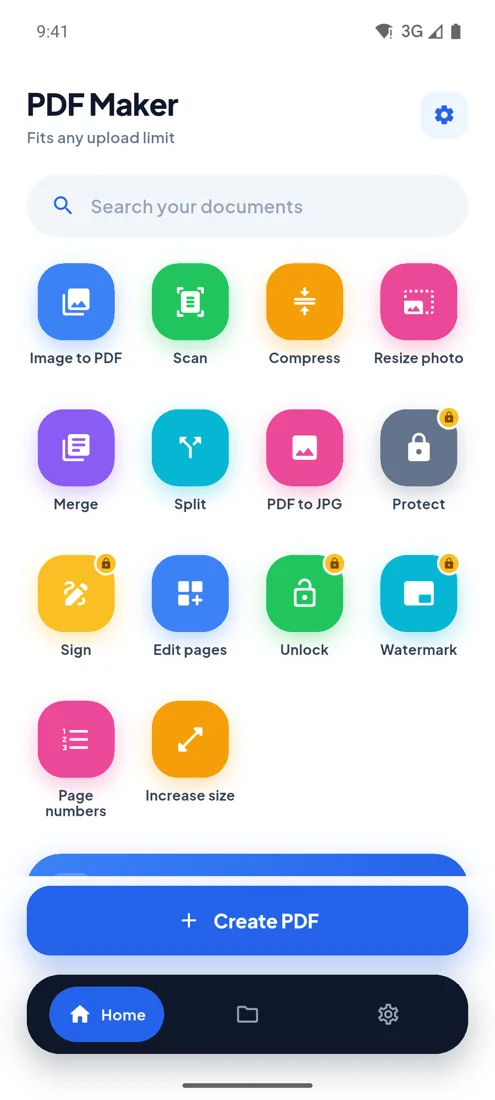
Yes: PDF Maker for Android does the same thing offline, plus up to 100 photos in one PDF, camera scanning with automatic cropping, any size you type, merge, split and sign.
Every upload limit, from your phone.
- Any size you type
- 100 photos, one PDF
- Camera scan
- Works offline