JPG to PDF · free · no upload
JPG to PDF under 100 KB
Certificate, ID card, receipts: one PDF under 100 KB, a page per photo.
How big can it be?
Need another size, like 37 KB? Type any size in the app
Other sizes
Questions
How do I convert JPG to PDF under 100 KB?+
Add the photos, keep 100 KB selected and press Make PDF. The pages are made as sharp as 100 KB allows, and you download one PDF.
How many photos can I add?+
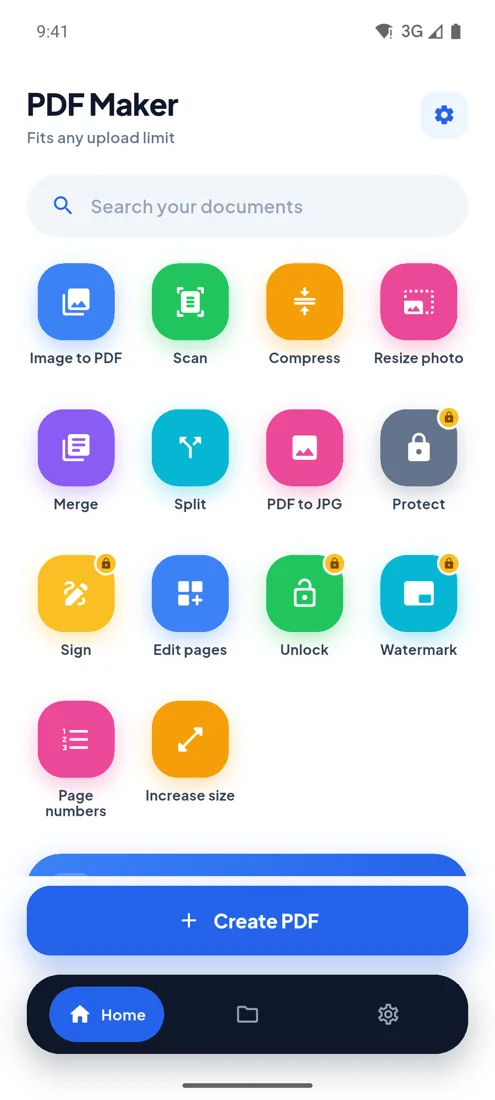
Up to 10 here. The PDF Maker app takes up to 100, scans paper with the camera and crops the edges for you.
What page size is the PDF?+
Each page is A4 wide and as tall as the photo, so nothing is cropped or letterboxed.
Is my file uploaded anywhere?+
No. Everything happens inside your browser on your own phone or computer. The file is never sent to a server, so nobody else can see it, and it works the same for confidential documents.
PDF Maker for Android
Every upload limit, from your phone.
- Any size you type
- 100 photos, one PDF
- Camera scan
- Works offline