Merge PDF · free · no upload
Merge PDF
PDFs and photos into one file, in the order you add them. Nothing is re-compressed.
Questions
How do I merge PDF files?+
Add the PDFs in the order you want them, press Merge and download one PDF. Remove a file with the × to change the order.
Can I merge a PDF and a JPG?+
Yes. Add photos next to PDFs; each photo becomes an A4-wide page in its place.
Will the quality change?+
No. PDF pages are copied as they are, text stays selectable. Need the merged file under a size? Run it through Compress PDF after.
Is my file uploaded anywhere?+
No. Everything happens inside your browser on your own phone or computer. The file is never sent to a server, so nobody else can see it, and it works the same for confidential documents.
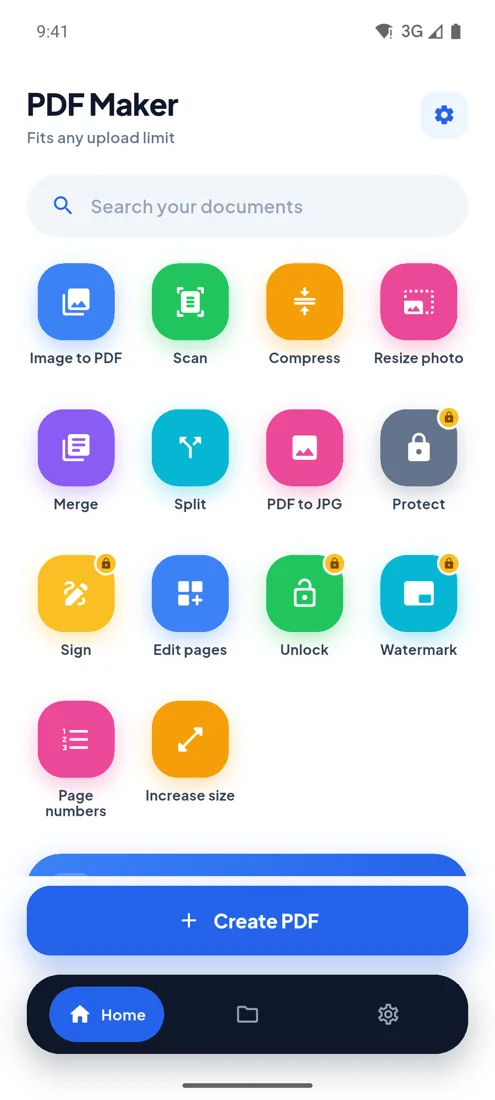
PDF Maker for Android
Every upload limit, from your phone.
- Any size you type
- 100 photos, one PDF
- Camera scan
- Works offline